
TL;DR
A technical rehearsal is a full run of your event’s program, with real presenters, content and cues, before the audience arrives. A walkthrough tells you the room works. A technical rehearsal tells you if the show works. It exposes timing gaps, mic handoff failures and slide problems that an empty room visit can’t, while there is still time to fix them.
______________________________________________________________________________________________________
More than half of event organizers (54%) say last-minute tech issues killed their event momentum this year, according to DesignRush’s 2026 Event Planning Challenges & Solutions Guide.
When you look at how those failures happen, the gear is rarely the culprit. The equipment works, but the trouble starts when people, content and cues run together for the first time. At many events, that first time is in front of the audience.
A technical rehearsal moves that first time to before the doors open. Here we cover what a technical rehearsal is, what it catches, who should attend, how long it takes and how to run one.
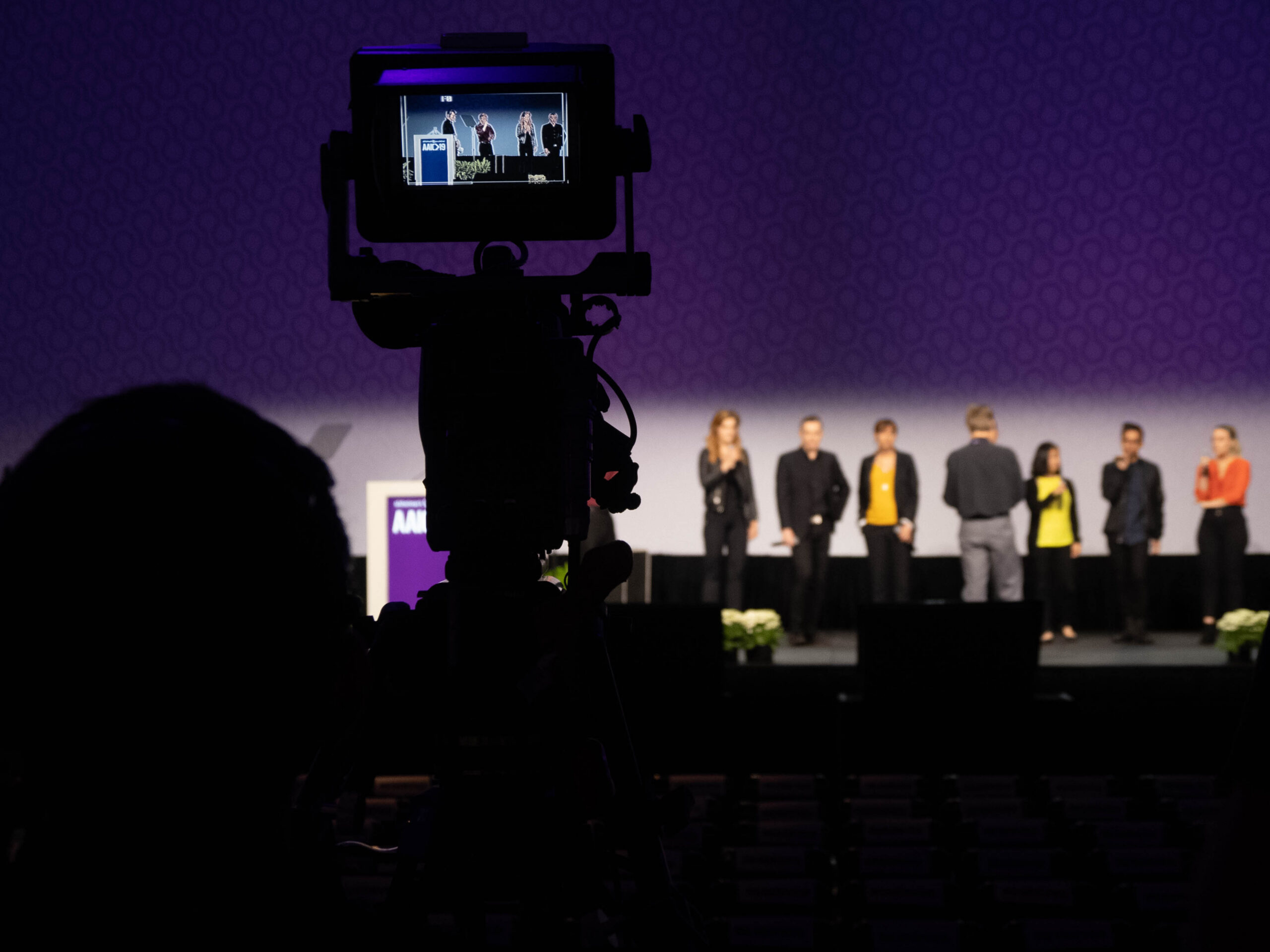
A technical rehearsal is a run of your event’s program using the real presenters, slides, video, audio and lighting cues, in order, on the real stage with the real equipment. Its purpose is to find and fix problems in how the people, content and technology work together before the audience sees them.
These terms get used loosely. Here’s how we use them:
A walkthrough and a technical rehearsal do different jobs, and you need both. The walkthrough comes first because it shapes what gets built. The technical rehearsal comes after the build because it tests what was built.
Cue timing. A cue sheet looks clean on paper. In the room, the lights come up a beat late, walk-in music runs over the welcome, or a video starts before the speaker finishes. Timing problems only appear when someone speaks at a natural pace against live cues.
Mic handoffs. Who holds which mic, when it goes live, and what happens as a moderator passes to a panelist all look simple in a plan. A technical rehearsal shows where a mic is dead, late or shared by mistake.
Slide transitions and playback. Wrong aspect ratios, missing fonts, embedded video that plays without sound and decks that changed after submission are common. A file that opens fine on the presenter’s laptop can fail on the playback system. Running the real files through the real system is the only way to know.
Presenter movement. Where people stand and walk rarely matches the plan. Rehearsal shows whether lighting, cameras and confidence monitors follow them.
Crew communication. Operators, the stage manager and the producer all need to hear the same call at the same moment. A technical rehearsal tests the chain of command as well as the equipment.
Signal and switching. Source changes, confidence monitors and program feeds all depend on settings that only get tested when content is live.
Schedule the technical rehearsal after load-in and before the doors open, with enough buffer to fix what it finds. A rehearsal that ends minutes before doors can identify a problem but not solve it.
The time it takes depends on the complexity of the program, not just the size of the audience. A single keynote with one deck is quick. A multi-speaker program with video roll-ins, live music, panels and remote presenters needs considerably more. Build the time into the schedule when you plan the event and let your AV partner advise on how much your program requires.
Yes, and it matters even more. A hybrid event has two audiences, in the room and online, and they experience the program differently.
A technical rehearsal for virtual and hybrid events checks the streaming feed, remote presenter audio and video, source changes, and what online attendees see when the in-room screen changes. Include remote presenters in the rehearsal, not only the people on stage.
As partial technical rehearsal beats none. If time is tight, prioritize the opening, the keynote, the most complicated transition and the closing. Ask for rehearsal time when you first plan the event, not the week before.
Most audio visual and event production problems aren’t bad luck. They’re planning gaps, and a technical rehearsal is where a plan proves itself. It’s also how StageCraft™ works in practice: find the problems early, when fixing them is cheap, instead of on show day, when it isn’t.
What is a technical rehearsal for an event?
A run of the event’s program with real presenters, content and cues, done before the audience arrives, to find and fix problems in how people and technology work together.
What is the difference between a technical rehearsal and a walkthrough?
A walkthrough checks the empty room. A technical rehearsal runs the program itself.
Who should attend a technical rehearsal?
Presenters, the event lead, the AV crew and the stage manager or producer.
When should a technical rehearsal happen?
After load-in and before the doors open, with enough buffer to fix what it finds.
Do you need a technical rehearsal for a small event?
Yes. Smaller events have fewer moving parts, but the same handoffs and playback issues still apply. The rehearsal can simply be shorter.
Ask before you sign. Our free eBook shows what else separates a “good enough” AV partner from one who protects your event. Download it immediately… for free… here.
# # #